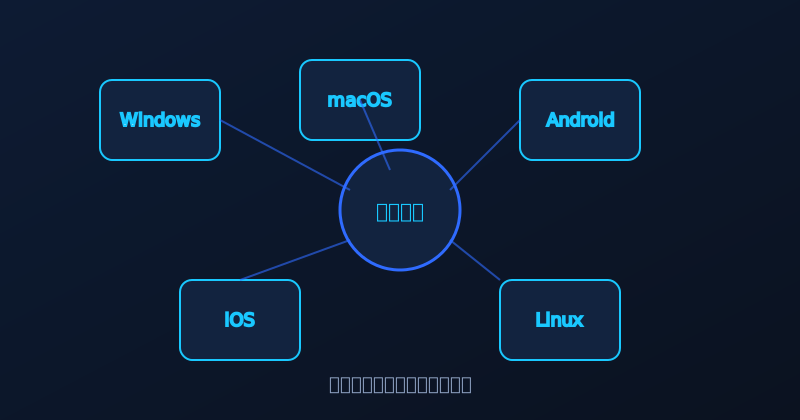
Many new users get stuck at "which version" and "how to configure". This guide walks through the install flow and core settings for all five platforms—about ten minutes to get started.
Confirm your OS meets the minimum requirements first.
| Platform | Minimum OS | Package Size |
|---|---|---|
| Windows | Windows 10+ | ~45MB |
| macOS | macOS 11+ | ~38MB |
| Android | Android 8.0+ | ~28MB |
| iOS | iOS 13+ | ~32MB |
| Linux | Major distros | ~18MB |
All downloads live in the XuanFeng download center. Choose your platform and click "Free Download". Windows users run the installer and follow the wizard; macOS users drag the app into Applications; Android users allow "unknown sources" when prompted; iOS users trust the developer certificate; Linux users run the command-line install script.
On first launch, log in with email or phone, or use guest mode to try basic features without registering.
One account stays online on five devices simultaneously. Favorited nodes and preferences sync automatically across devices. This is one of the most-used paid features.

| Setting | Scenario | Recommendation |
|---|---|---|
| Smart Routing | Daily browsing | On |
| Split Tunneling | Mixed domestic+overseas | On |
| Kill Switch | Privacy-sensitive | On |
"Following the guide, I installed on three devices with one account—favorites synced automatically. Very convenient." — A multi-device user
If you hit issues, check the FAQ page or contact support. Most connection problems are solved by switching nodes, updating the version or restarting the network.
← Back to News
Comments
Detailed guide—installed in ten minutes. Clean interface too.
Multi-device sync is genuinely convenient across phone, PC and tablet.
Linux install was one command. Nice.